
Tap Share
Spot something worth keeping — a reel, a recipe, an article. Tap Share like you always do, then choose Furl.

Reels in one app, videos in another, articles in a chat with yourself? Furl gathers everything you save into one beautiful, private library — from any app, in two taps.
Your first 100 saves are free, forever.
Recognizes 50+ sources automatically
 Instagram
 TikTok
 YouTube
 Reddit
 Pinterest
 Spotify
 X
X
 Threads
 Substack
 Medium
 WhatsApp
 Telegram
 LinkedIn
 Facebook
+ any link
Facebook
+ any link
 Netflix
 Amazon
 Notion
 GitHub
 Google Maps
 Airbnb
 Etsy
Etsy
 IMDb
IMDb
 Goodreads
 SoundCloud
 Twitch
 NY Times
 Wikipedia
 Podcasts
No app-switching, no copy-pasting links, no losing your place in the feed.
Spot something worth keeping — a reel, a recipe, an article. Tap Share like you always do, then choose Furl.
Furl's sheet pops up right where you are. File it into a folder — Recipes, Travel, Watch Later — or let it land in your Inbox.
Every save arrives with its preview, title and source — searchable by title, notes and tags, even months later.
Every save arrives with its preview, title and source, ready to find again. Reels, videos, articles, products, podcasts, playlists, notes — Furl recognizes 50+ sources automatically.
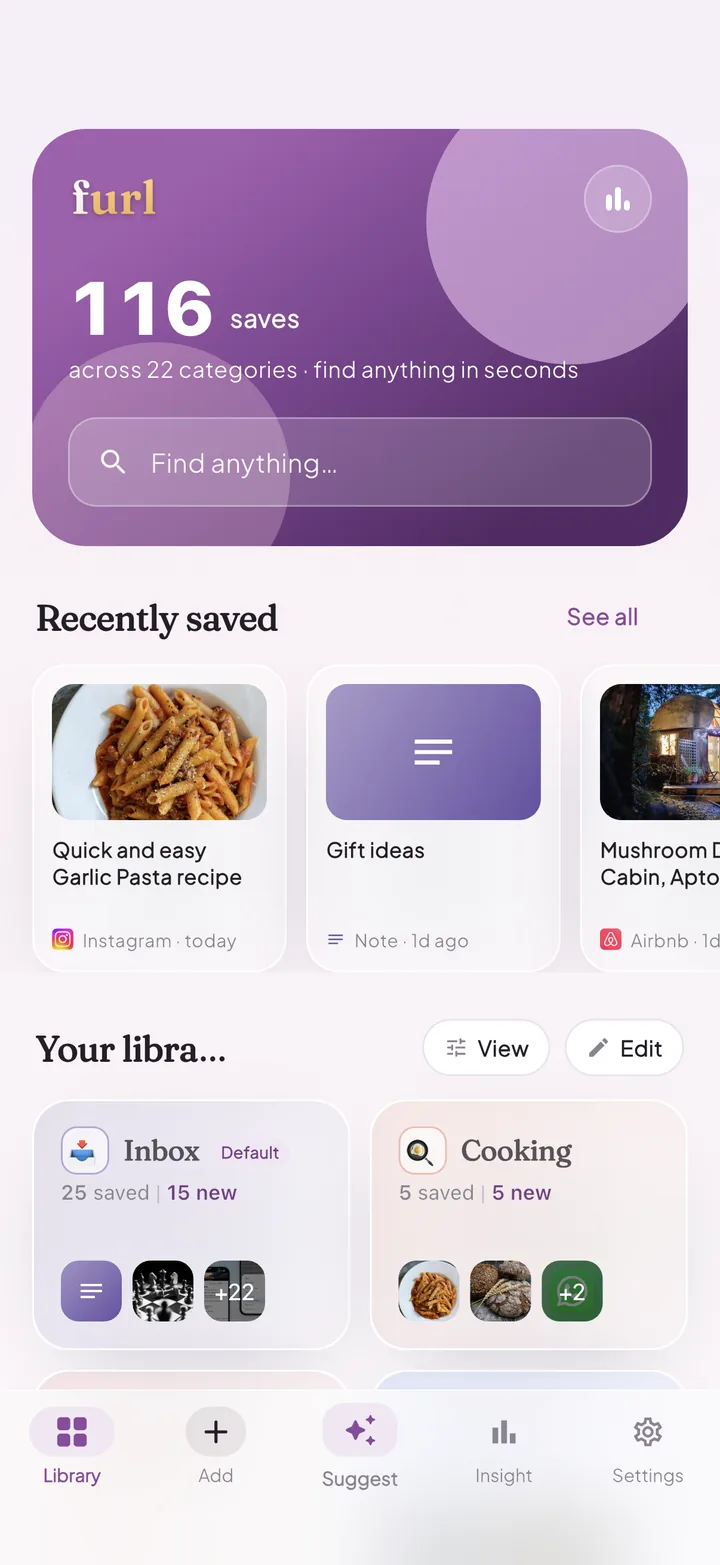
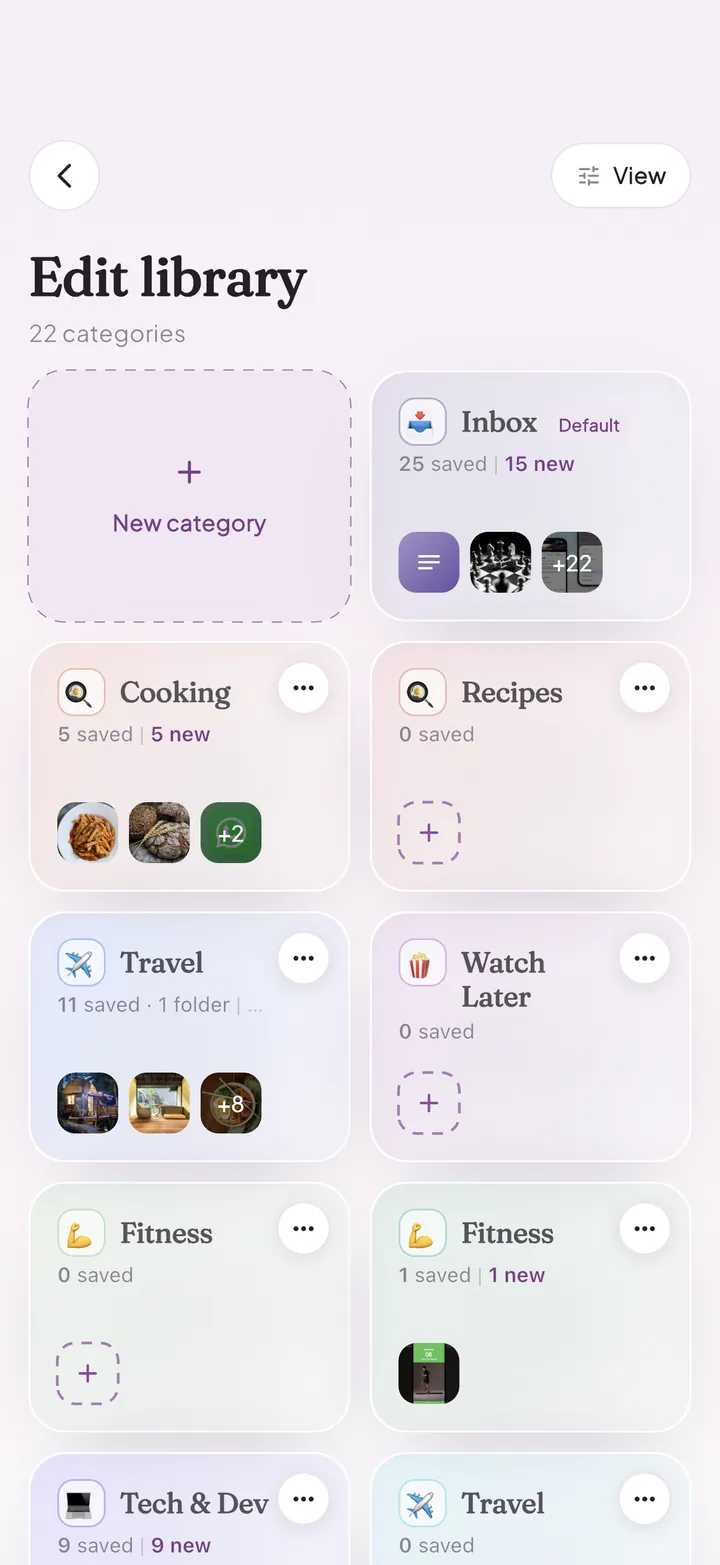
File each save as you make it — or sort later from your Inbox. Your library, your structure: Cooking, Travel, Watch Later, Gift Ideas, whatever fits your life.
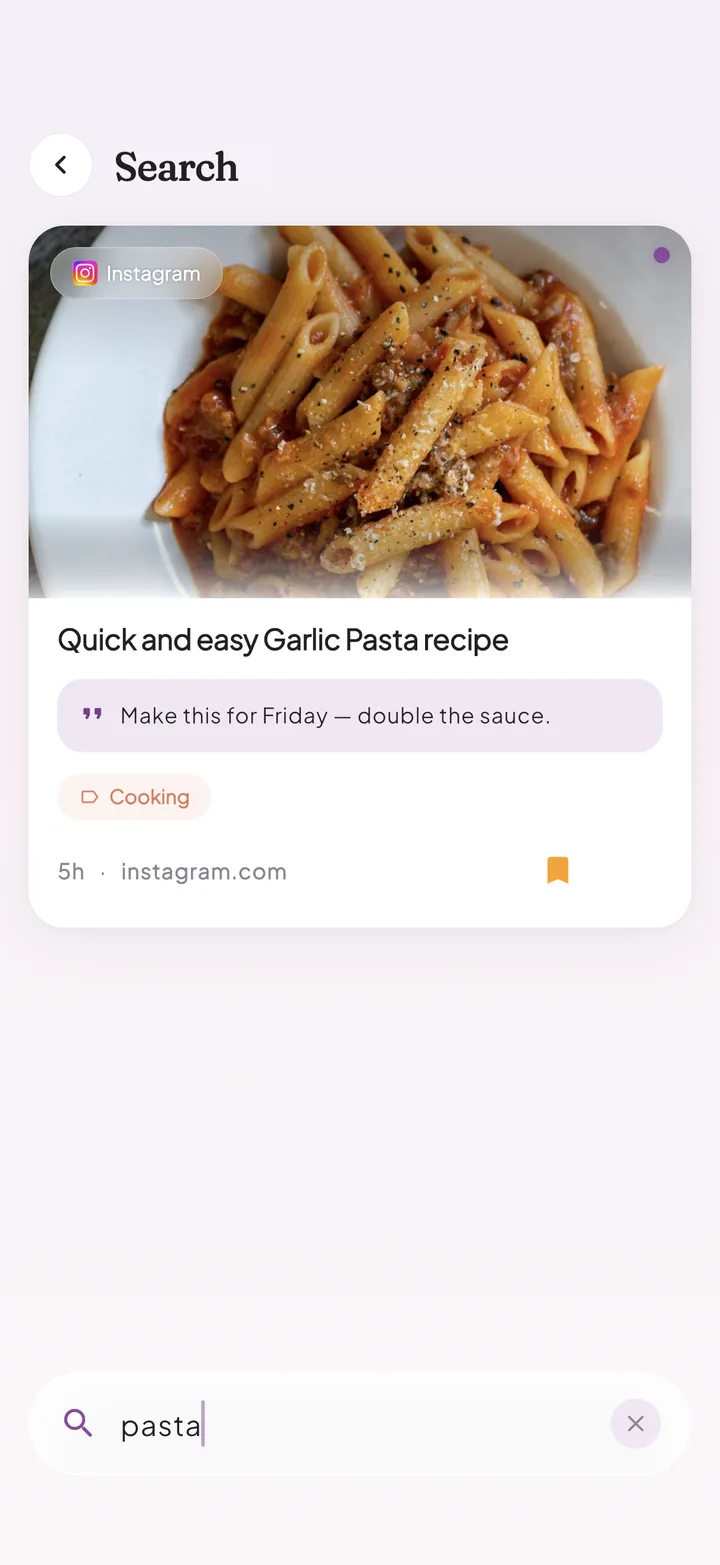
Search titles, your notes and your tags — even months later. That recipe you saved in March? Type "pasta" and it's back.
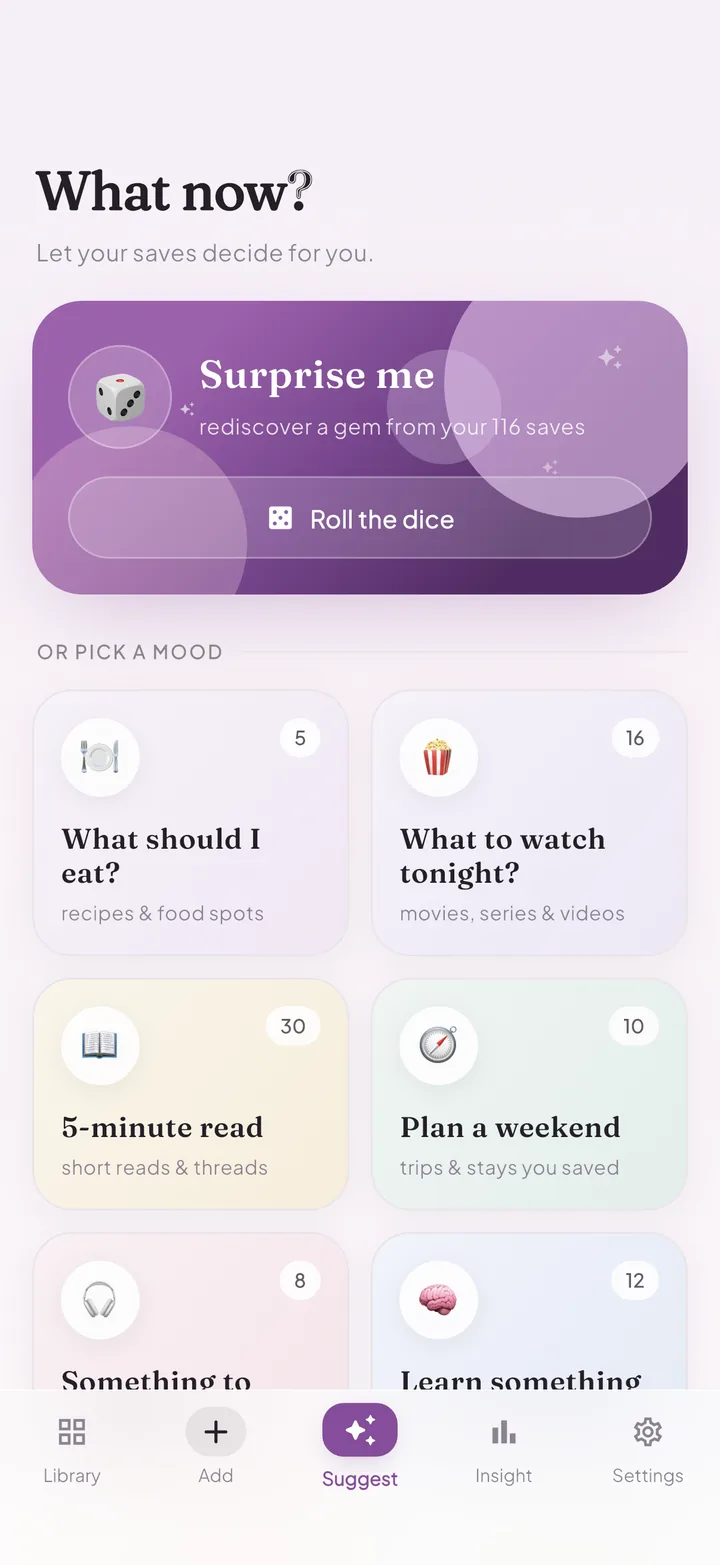
Ask "What now?" and let your library decide: pick a mood — What should I eat? What to watch tonight? — or roll the dice and rediscover a gem you'd forgotten.
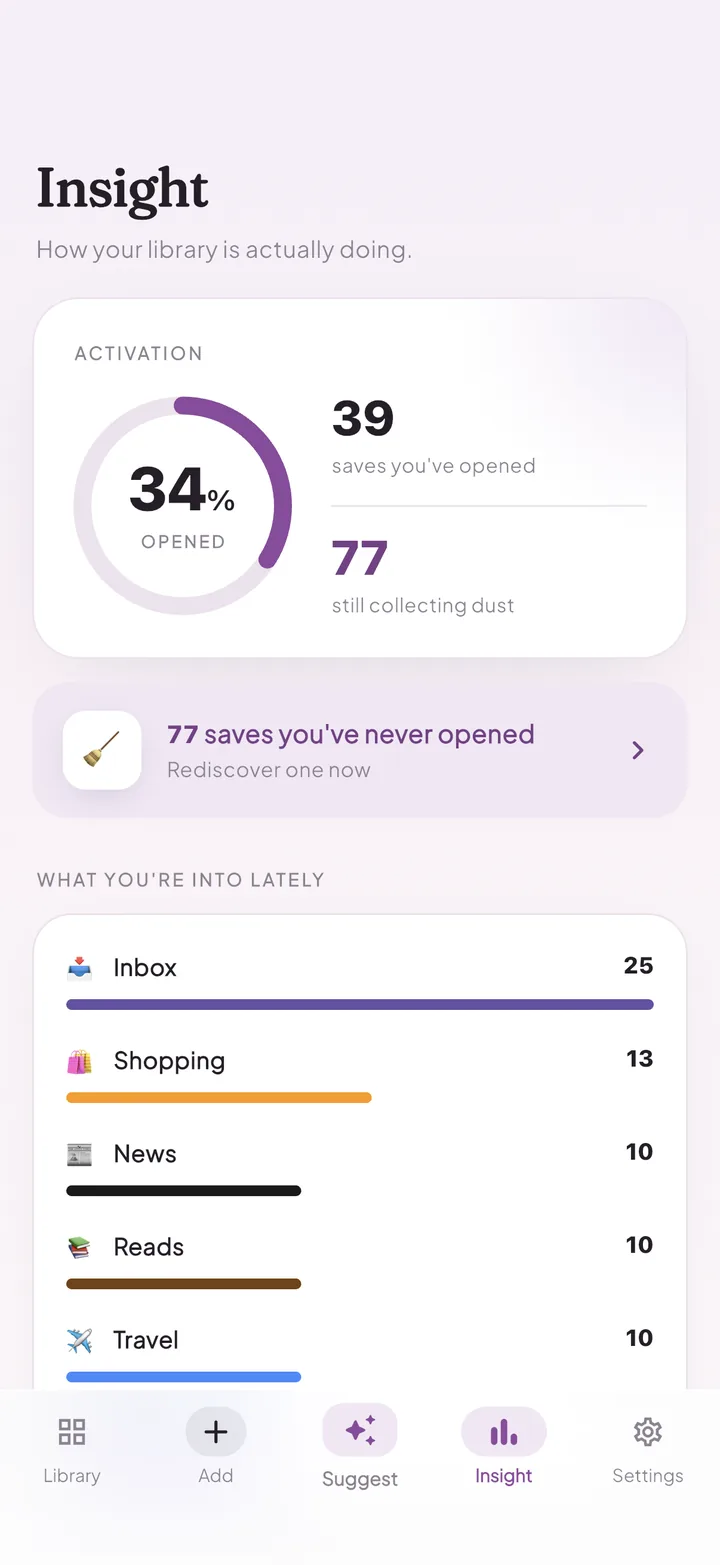
Insight shows what you've opened and what's still collecting dust, plus what you've been into lately. Gentle nudges resurface saves you've never opened.
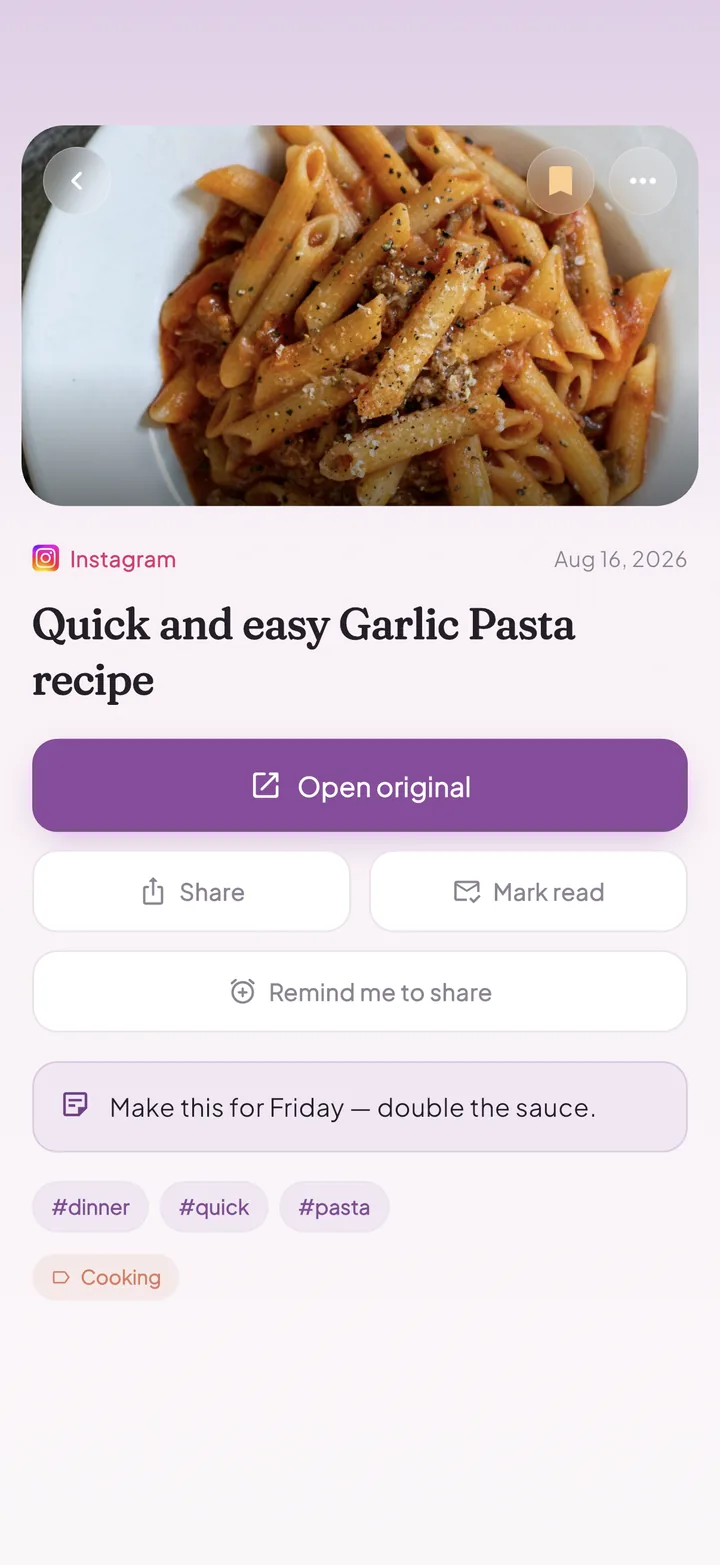
Capture why you saved it — "Make this for Friday, double the sauce" — add tags, and get a gentle reminder to revisit or share it exactly when you need to.
Furl isn't another feed fighting for your attention. It's your library — quiet, local and entirely yours.
Every feature is included from day one. Pro simply removes the save limit when you outgrow it.
Prices in USD; may vary by region. Purchases are processed by the App Store / Google Play.
Yes — your first 100 saves are free, forever. Furl Pro unlocks unlimited saves with a small yearly subscription or a one-time lifetime purchase.
No. Furl has no accounts and no sign-in. Your library lives on your device and is quietly backed up — to iCloud on iPhone and via Android's automatic backup on Android.
Anything you can share: reels, videos, articles, products, podcasts, playlists and notes. Furl recognizes 50+ sources automatically — Instagram, TikTok, YouTube, Reddit, Pinterest, Spotify, X and many more — and files each save with its preview, title and source.
Tap Share in any app, then tap Save. Furl's share sheet appears right where you are — no app-switching, no losing your place in the feed. Pick a folder as you save, or let it land in your Inbox and sort later.
Yes. Furl is private by default: no account, no feed, and no tracking you around the web. What you save is stored on your device, and a private Hidden folder behind Face ID keeps some saves just for you. Read the full Privacy Policy.
Furl is available now for iPhone and iPad on the App Store. The Android version is coming soon to Google Play.
Furl is out now for iPhone and iPad — Android coming soon.
Your first 100 saves are free, forever.